Product creative by task
Turn a product photo into a video
Start with a clear photo of the exact item and make a short product scene that stays true to it.
By Drizzle team
Plan the creative
Begin with the exact source asset and decide what the scene must explain. Keep the first version simple enough to compare with the reference. A second angle or a real close-up is more useful than asking a model to guess hidden construction.
Choose one product photo with a readable outline, then decide which visible detail the moving shot should explain. A small camera push or simple carry action is easier to review than a full turn from one front view.
A worked example
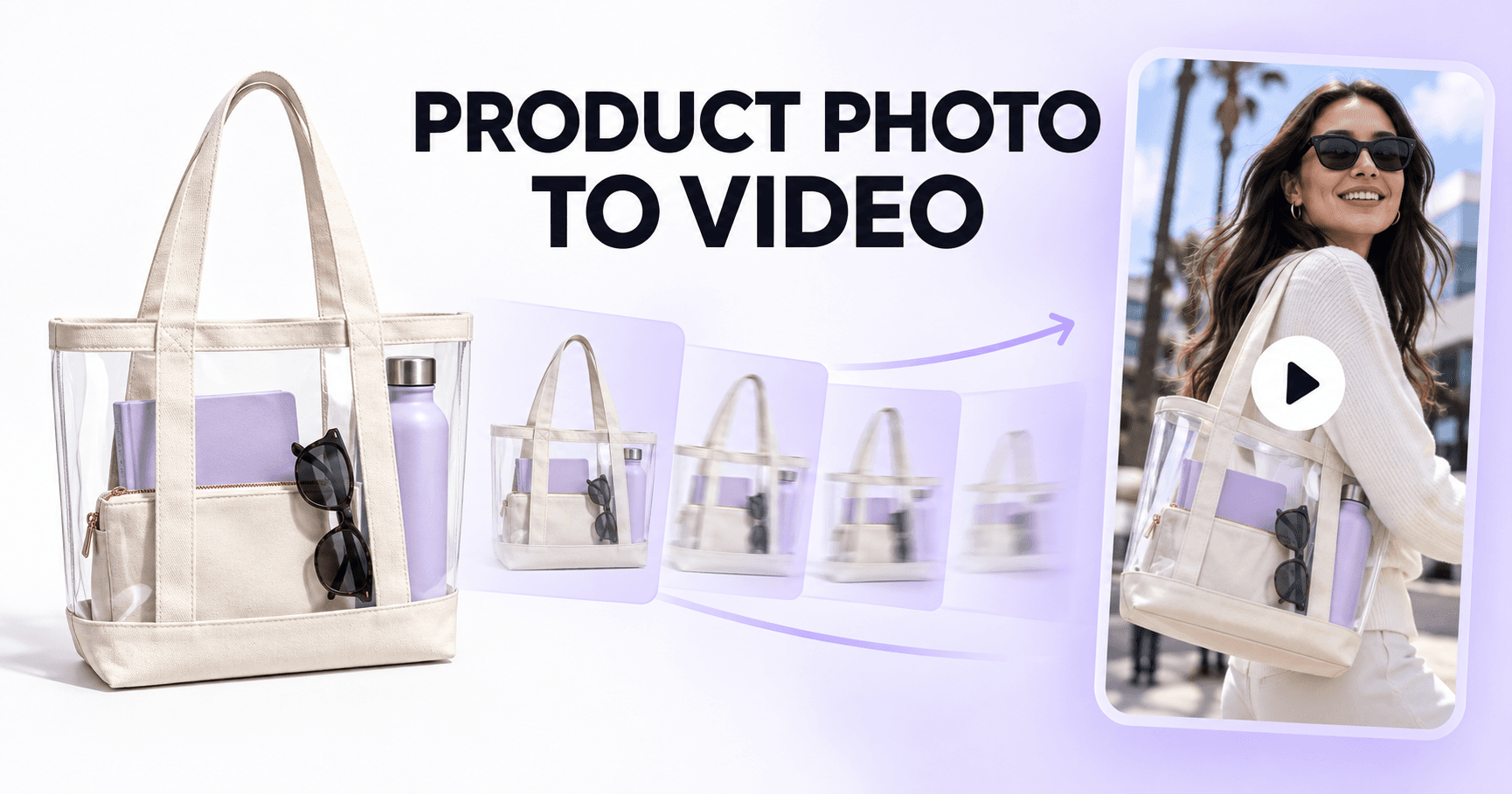
Suppose the source is a clear canvas tote with one inside pocket. Open on the full bag, push toward the pocket, then return to the same front view. Keep the pocket, strap length, and transparent panel consistent; this scene explains construction rather than promising a specific capacity.
A brief to adapt
Use this product photo as the reference. Preserve its color, shape, label, and construction. Show the item clearly, then move toward the verified detail with restrained motion and room for a short caption.
Bring the exact product reference into the Drizzle workspace. Review the first image before asking for motion; generation uses credits, so use the pricing page to plan a batch.
Check the result
Compare the approved still and every video frame with the source. If an unseen side, label, or pocket appears, reduce the move or supply another real view. The final frame must show the same item as the opening.